
For more information on CloudApper AI TimeClock visit our page here.
A lineworker dispatched to a substation repair doesn’t clock in at a lobby kiosk. There isn’t one. The crew drives out, sets up, and starts work — and the time tracking question is: did Workday actually capture when and where that work began?
For utilities and energy companies running Workday WFM, this is a daily operational gap. Field crews work at remote sites, temporary staging areas, and outdoor right-of-way locations that have no fixed hardware. Most organizations patch this with mobile self-reporting — workers punch in on their phones when they arrive. The problem is there’s nothing enforcing that the phone and the person are actually at the job site when the punch happens. A crew member can log hours from the truck on the way there. A supervisor can submit punches for a team after the fact, from a central office.
Neither scenario shows up as fraud in Workday. Both show up as payroll.
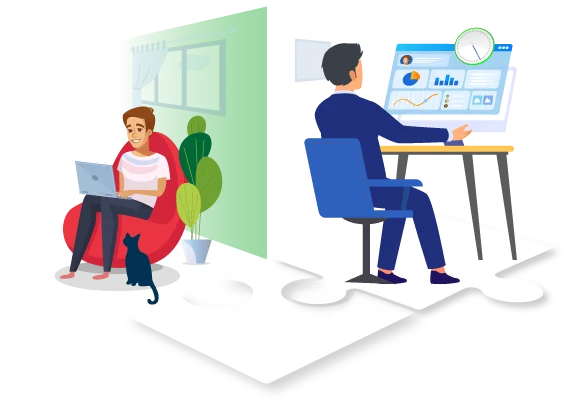

Why This Matters More for Utilities Than Most Industries
Field crews in utilities often work under prevailing wage requirements, collective bargaining agreements, or both. That means time records aren’t just a payroll input — they’re a compliance document. An auditor reviewing labor costs on a public works project needs to see that hours were worked where and when they were claimed. A union grievance over disputed overtime depends on the integrity of those same records.
Manual or unverified punches create exposure that most HR teams don’t fully account for until there’s an audit or a dispute. And by then, the time records in Workday are the official record — right or wrong.
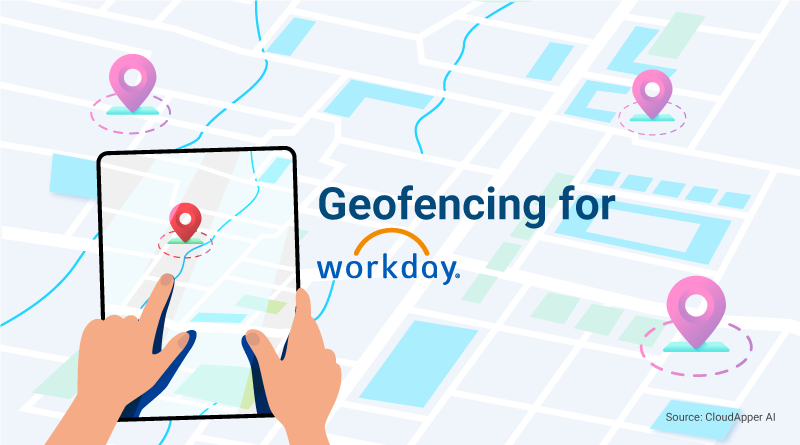
Geofencing closes this gap at the source. When clock-in is only possible from within a defined boundary around the job site, the punch itself is evidence of presence. Not an attestation. Not a supervisor’s word. A GPS-verified, time-stamped record that matches what Workday shows.
Making Geofencing Work Without Fixed Hardware
The challenge for field operations is that you can’t bolt a time clock to a transmission tower. The solution has to travel with the crew or be set up on-site quickly.
CloudApper AI TimeClock for Workday runs on any standard iOS or Android tablet — the kind a crew supervisor already carries, or that a vehicle can carry as dedicated equipment. You define the geofence for that day’s job site before the crew arrives: drop a pin, set the radius, done. Workers clock in using face recognition on the tablet. The punch only registers if they’re inside the boundary.
It also handles offline conditions without losing data. Remote sites often have weak or no cellular signal. Punches queue on the device and sync to Workday once connectivity is restored, so there’s no gap in the record and no manual catch-up at the end of the day.
For the full breakdown of how geofencing integrates with Workday WFM and why it matters across workforce types, the original guide covers it well: Why Workday WFM Users Need Geofencing and How to Get It with Ease.
For utilities and energy operators specifically, the payoff goes beyond payroll accuracy. It’s defensible records on every job site, without adding administrative work for field supervisors or pulling workers away from the job to sort out time entries at shift end.
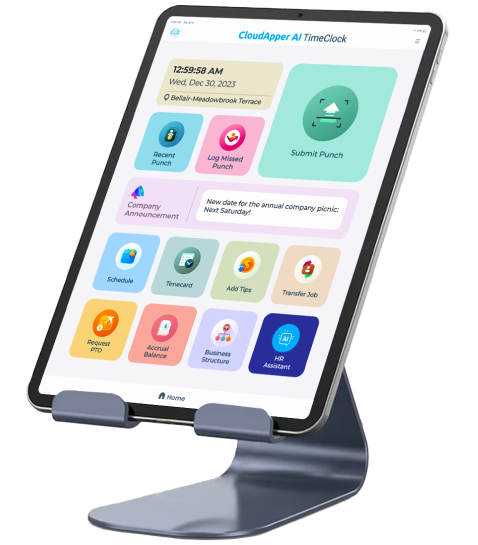
Super Efficient Employee Time Clock Kiosk Application
Cost Effective Employee Time Clock Application for All Major HR, HCM and Payroll Systems
Learn more → | Download Brochure →