
TL;DR:
A Workday chatbot allows employees to interact conversationally with Workday HCM — instantly checking leave balances, payroll details, benefits, and submitting requests. No-code solutions make it easy to deploy, dramatically reducing HR workload while delivering superior employee experiences.
Workday remains one of the most widely used HCM platforms, yet many organizations still struggle with low employee adoption of self-service portals. Employees often find the interface complex, leading to high volumes of HR emails and calls. A smart Workday chatbot solves this critical pain point by bringing natural, intuitive conversations directly into the employee workflow.
Why Organizations Are Adopting Workday Chatbots
HR teams supporting Workday environments frequently spend too much time on repetitive tasks. A well-designed Workday chatbot uses advanced natural language processing to understand employee intent and provide accurate, secure answers 24/7. This results in fewer support tickets, faster resolution times, and happier employees.

Major Benefits of a Workday Chatbot:
- Instant access to payroll, time-off, and benefits information
- Reduced HR administrative workload
- Improved employee engagement and satisfaction
- Lower support costs
- Better overall utilization of your Workday investment
How to Build a Simple Workday Chatbot
- Define Priority Use Cases Start with the most requested employee needs — leave requests, payslip access, time tracking inquiries, benefits enrollment, and policy questions.
- Choose a Workday-Ready No-Code Platform Select a specialized solution built for seamless Workday integration without requiring developers or complex coding.
- Secure Integration with Workday Connect the chatbot directly to your Workday tenant so it can read and update data securely while maintaining compliance.
- Launch, Monitor, and Improve Begin with core features, analyze real conversations, and continuously refine the chatbot’s responses for higher accuracy.
CloudApper hrGPT provides an efficient way for Workday customers to quickly build and deploy a powerful, intelligent chatbot tailored to their environment.
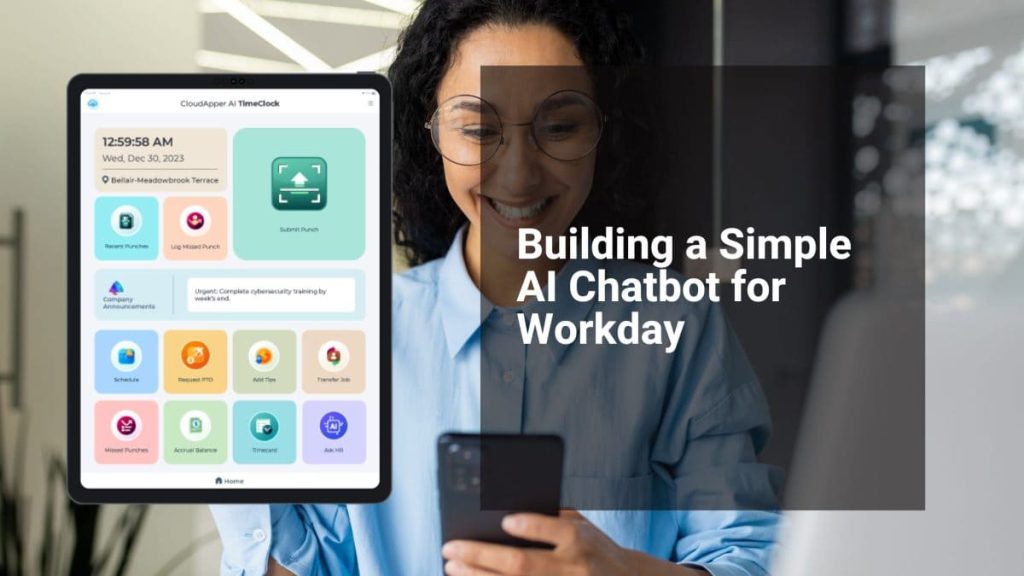
For complete workforce management, pair your Workday chatbot with modern time-tracking technology. Explore the CloudApper AI TimeClock for Workday, which delivers touchless biometric attendance with AI assistance for effortless payroll and time tracking.
Final Thoughts
Implementing a Workday chatbot is one of the fastest ways to modernize employee support and maximize the value of your Workday system. It shifts HR from reactive support to strategic partnership.
Ready to build your Workday chatbot? Read the complete step-by-step guide: Building a Simple AI Chatbot for Workday.